
Download Locowin App for Android & iOS
Locowin app gives you full access to casino games and sports betting from your phone. New players can claim a welcome bonus of up to 1,850 EUR plus 500 Free Spins on their first deposits. Download the app now and start playing at Locowin today.
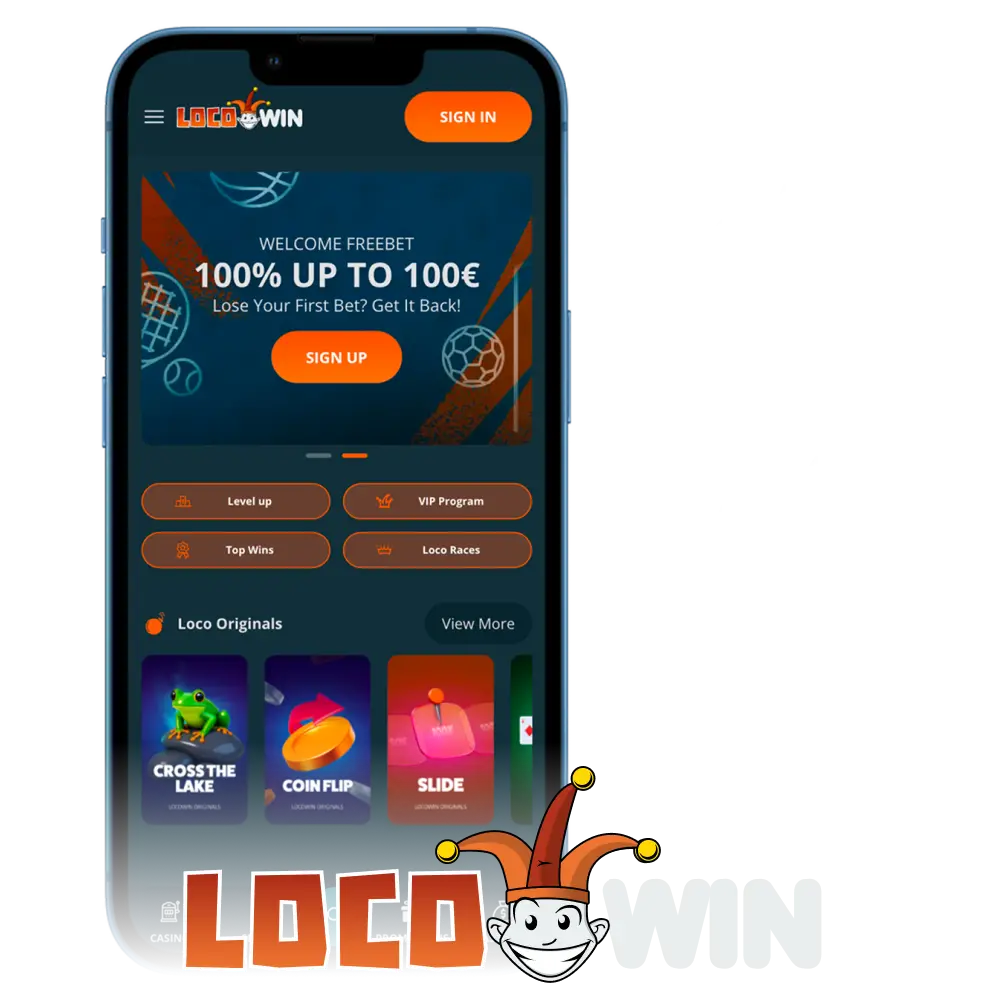
Interface of Locowin App
The Locowin app features a clean layout with clearly labeled sections for casino, sports, promotions, and account management. Navigation is straightforward, so you can move between placing a bet and launching a slot game without extra steps or confusion.
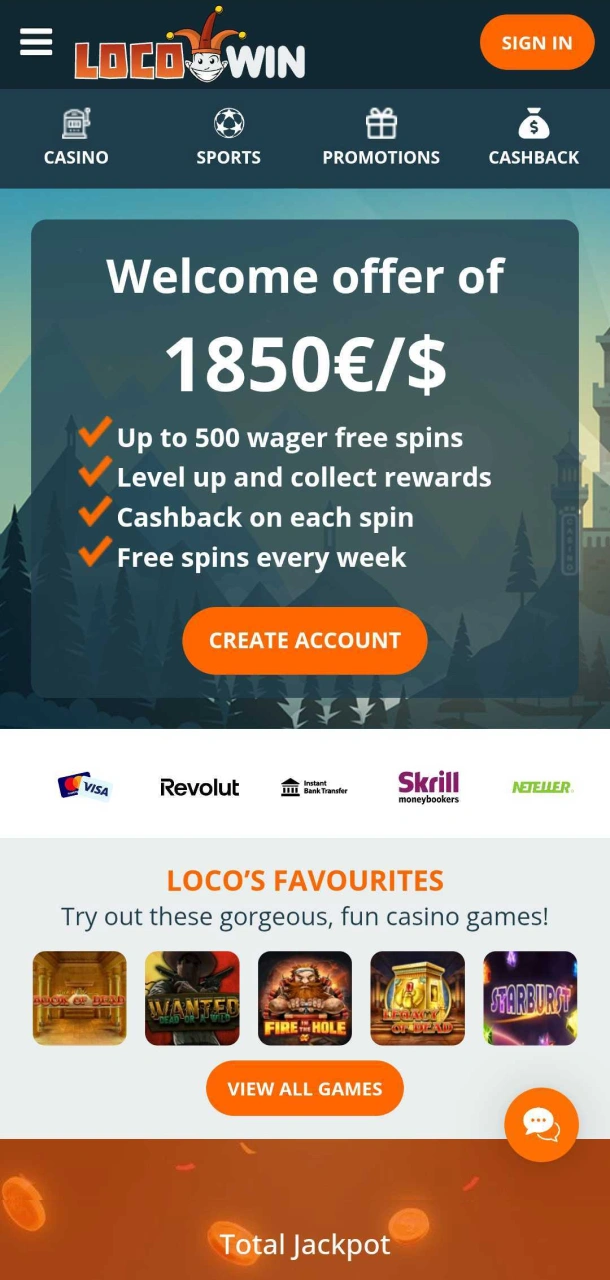
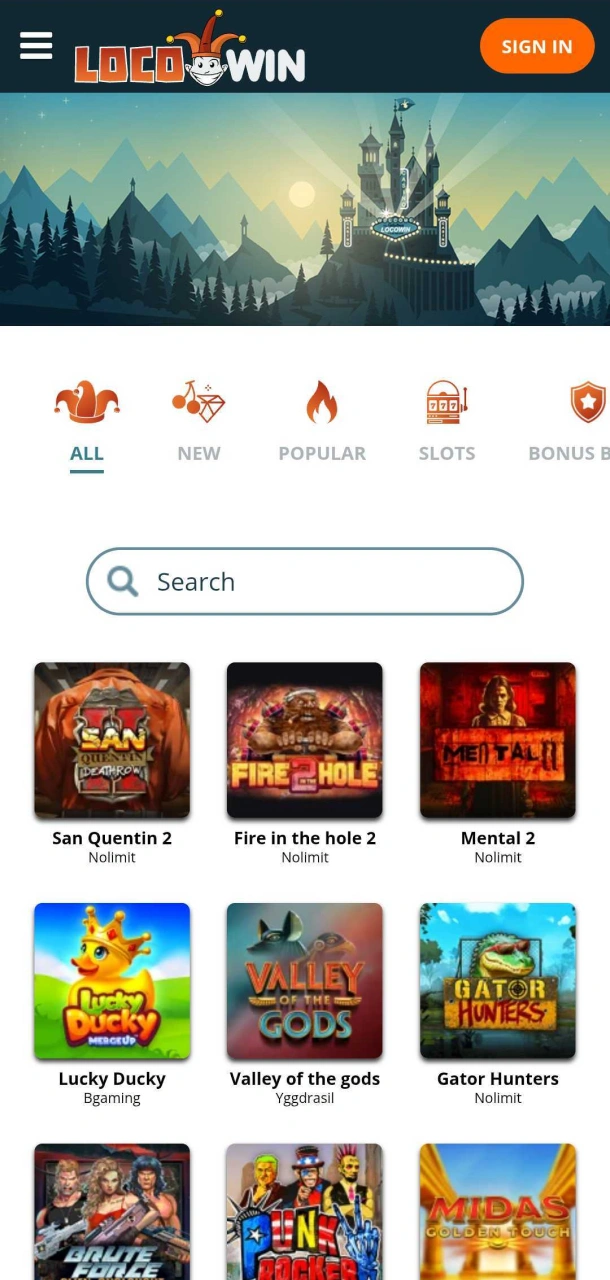
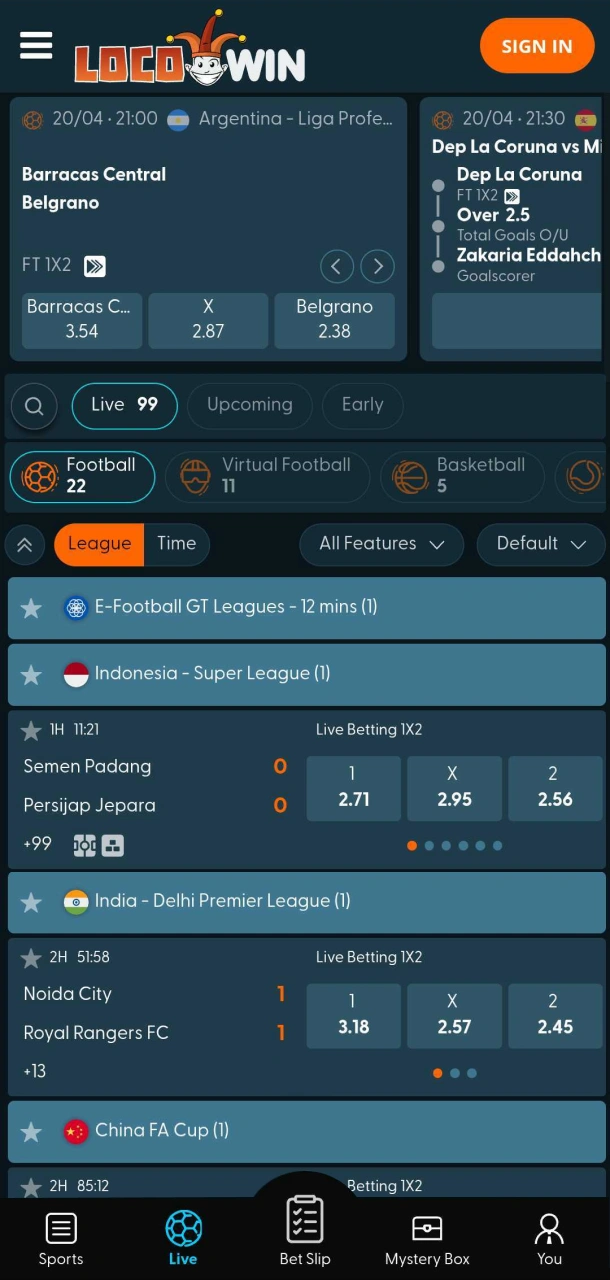
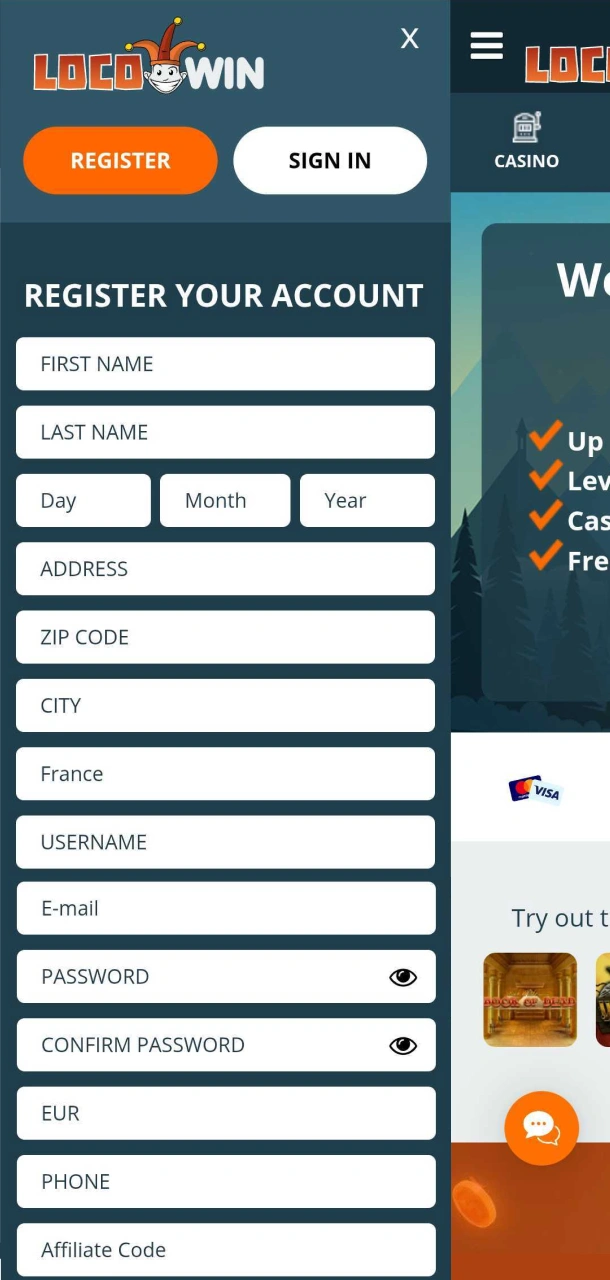
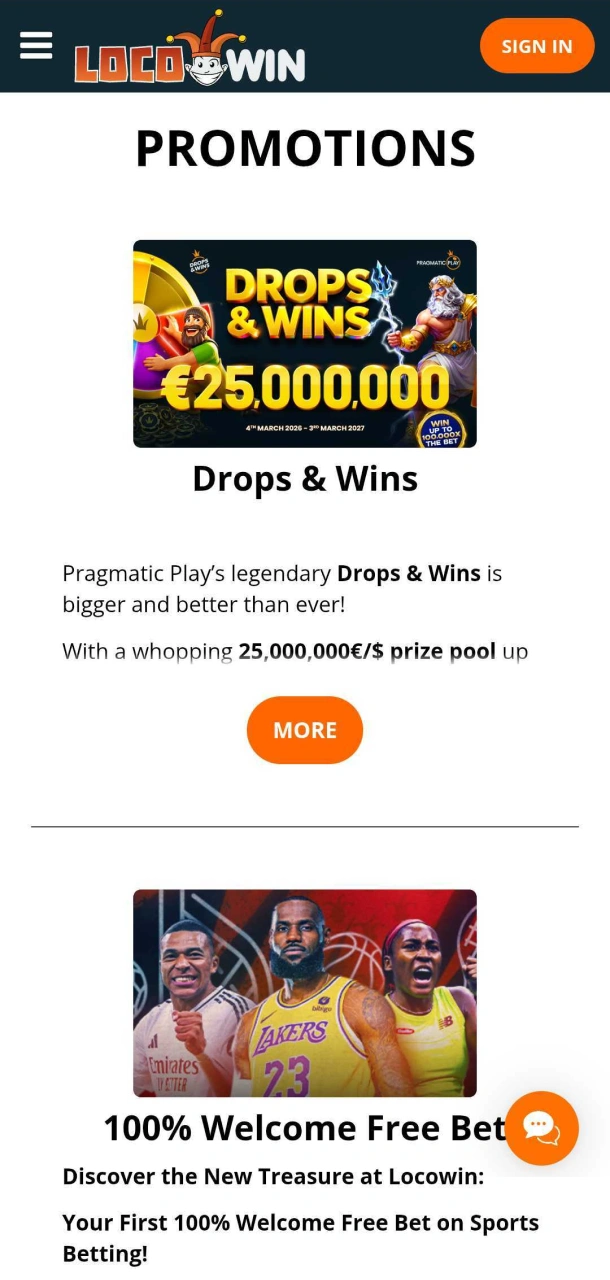
Locowin App Overview
The Locowin app is a Progressive Web App (PWA) built for fast, reliable access to both casino and sportsbook sections. It runs directly in your browser with no app store download required, and it performs consistently across Android and iOS devices. Below is a full summary of what the app covers.
| App Category | Casino and Sportsbook |
| License | Malta Gaming Authority (MGA) |
| Supported OS | Android, iOS |
| Latest Version | PWA (always up to date) |
| Download Cost | Free |
| App Languages | English, Swedish, German, Spanish, Norwegian, French |
| Supported Countries | Spain, France, Sweden, Germany, United Kingdom, USA and other licensed markets |
| Welcome Bonus for Sports | 100 EUR |
| Welcome Bonus for Casino | Up to 1,850 EUR + 500 Free Spins |
| Bet Types | Singles, accumulators, live betting |
| Customer Support | Live chat, email |
Download Locowin Android App in 5 Steps
Installing the Locowin PWA on Android takes under a minute and requires no app store. The process works through your mobile browser and adds a shortcut directly to your home screen. Follow these five steps to get started.
Click Download for Android
Tap the Android download button on this page to open the Locowin site in your mobile browser.
Log In or Sign Up
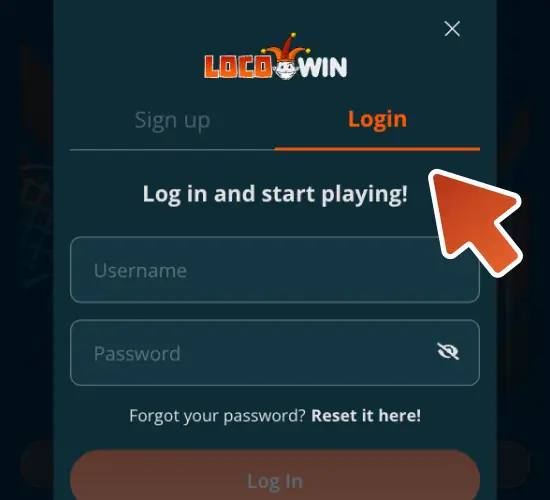
Enter your login details or create a new account if you have not registered yet.
Click Share
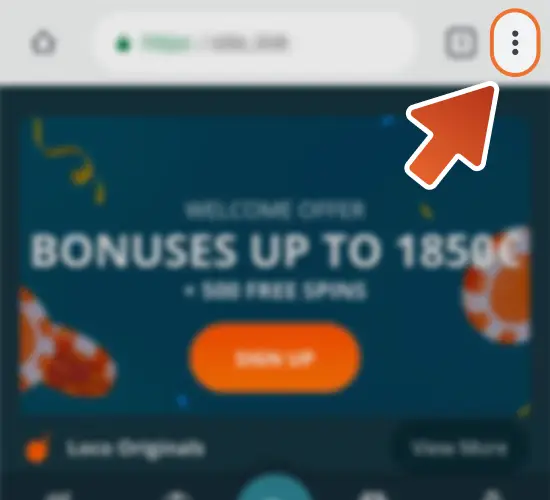
Tap the Share icon in your browser’s menu to open the sharing options.
Select “Add to Home Screen”
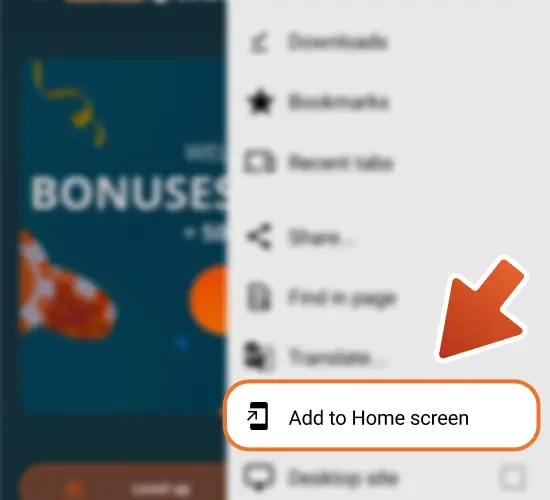
Tap “Add to Home Screen” from the list of options, then confirm by tapping “Add”.
Begin Exploring
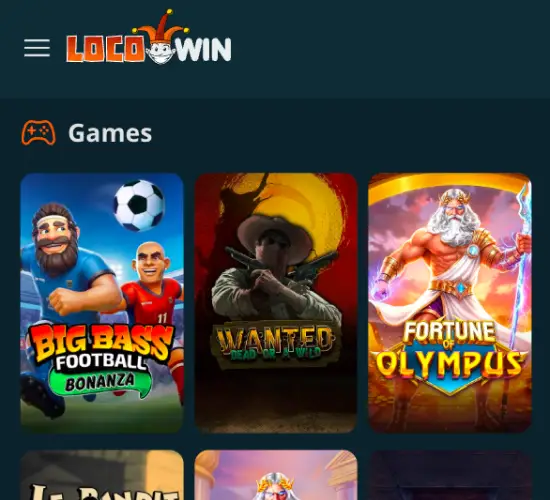
Once the shortcut is added and you are logged in, you can start placing bets or playing casino games immediately.
Download Locowin iOS App in 5 Steps
Setting up the Locowin PWA on an iPhone or iPad is quick and does not require the App Store. The installation uses Safari’s built-in functionality to pin the app to your home screen. Follow these five steps to complete the setup.
Click Download for iOS
Tap the iOS download button on this page to open the Locowin site in Safari.
Log In or Sign Up
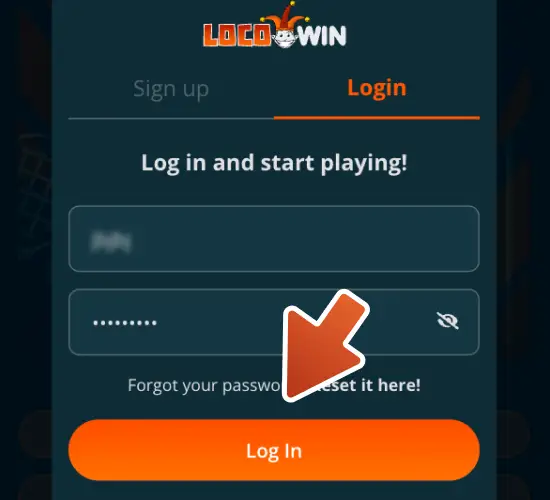
Enter your account credentials or register a new account if you have not done so yet.
Click Share
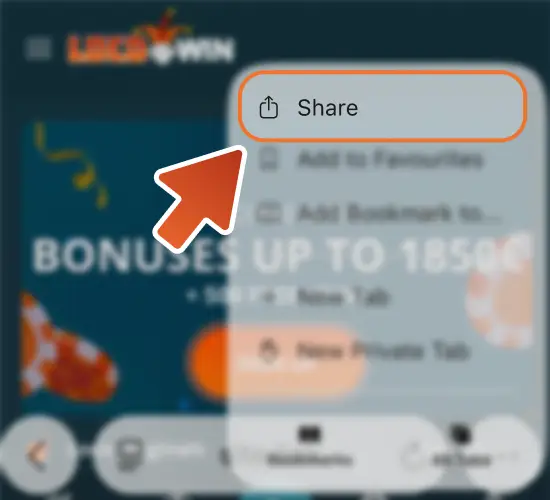
Tap the Share button at the bottom of the Safari browser to access the options menu.
Select “Add to Home Screen”
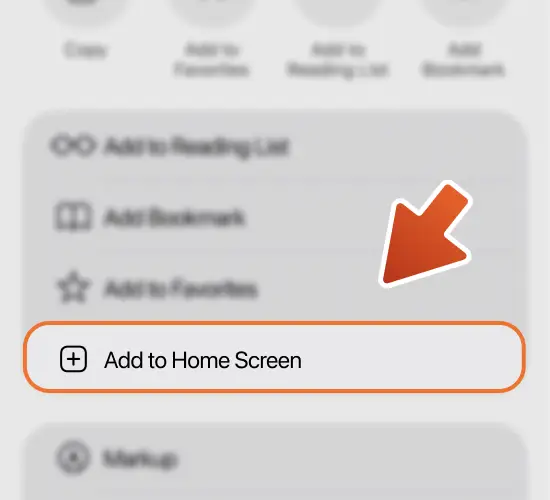
Tap “Add to Home Screen” from the share sheet, then tap “Add” to confirm.
Begin Exploring
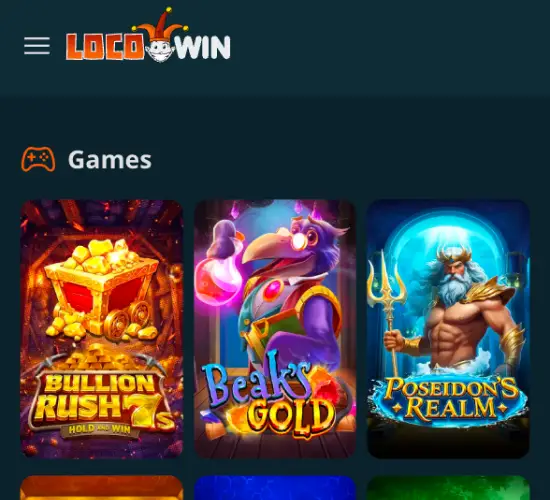
Once the icon appears on your home screen and you are logged in, you can start betting on sports or spinning casino games right away.
Loco Win App for PC
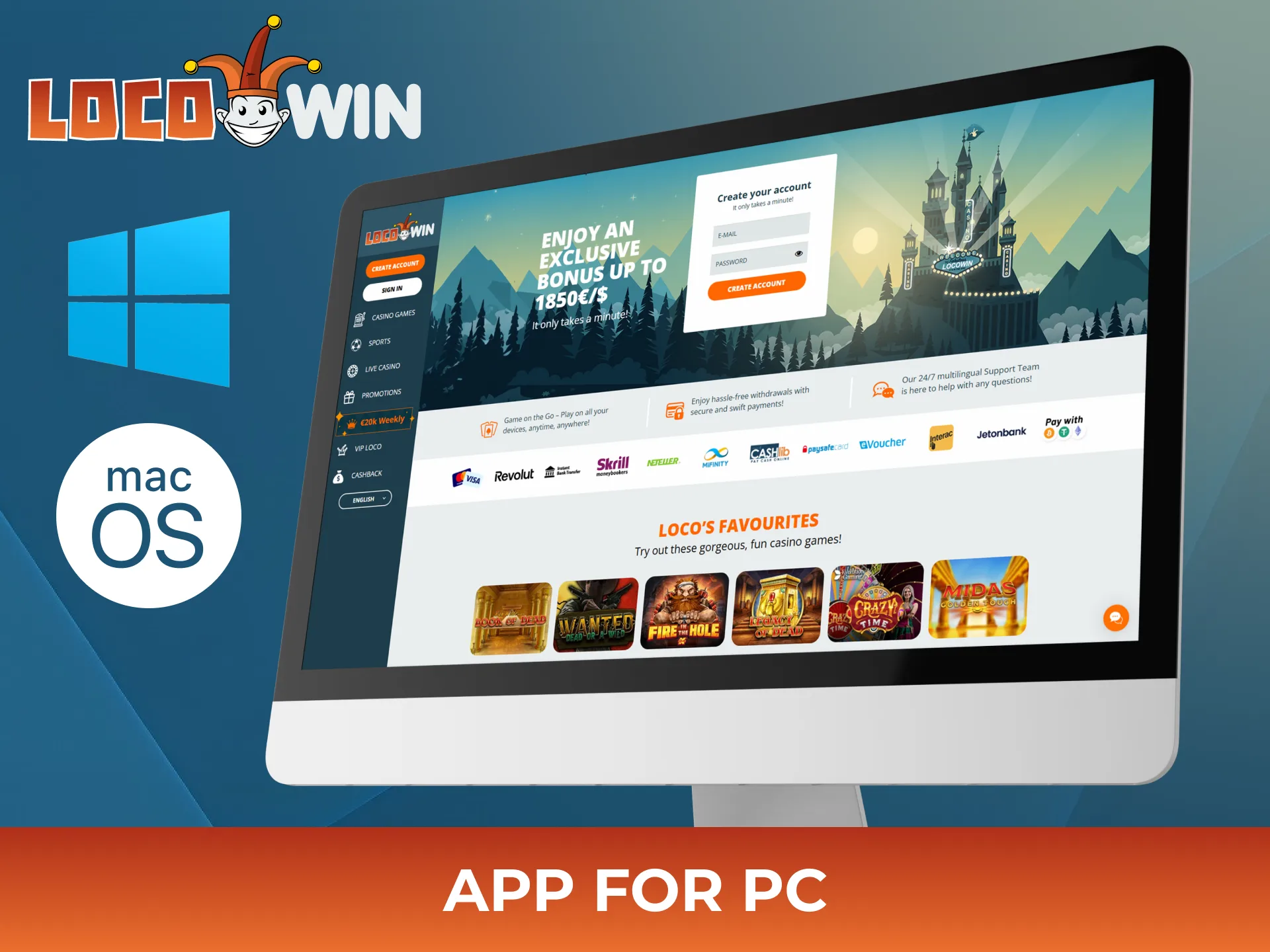
The Locowin desktop version is accessible directly through any standard web browser on your computer. No installation is needed as the platform loads fully through the browser, giving you access to the complete casino and sportsbook experience. The desktop layout is optimized for larger screens, making it easier to browse game lobbies, review live odds, and manage your account simultaneously. You can use Chrome, Firefox, Edge, or Safari on both Windows and macOS without any compatibility issues. The desktop experience is identical to the mobile version in terms of features, including deposits, withdrawals, bonuses, and customer support access.
System Requirements
The Locowin PWA runs on most modern Android and iOS devices with an up-to-date browser and a stable internet connection. No high hardware requirements or large storage space are needed.
- Operating System: Android 10.0 or later / iOS 15.0 or later;
- Browser: Latest version of Chrome, Safari, Edge, or another modern mobile browser;
- Internet Connection: Stable Wi-Fi, 4G, or 5G connection;
- Storage Space: Approximately 50 MB of free space for cached data and installation shortcuts;
- RAM: 2 GB or more recommended for optimal performance.
Supported Devices for Locowin App
Locowin app is built as a Progressive Web App (PWA), making it compatible with most modern smartphones and tablets. It works smoothly on Android and iOS devices from leading brands, including Samsung, Apple, Xiaomi, OnePlus, Oppo, Vivo, Realme, Motorola, and many others. No dedicated download is required, as the app can be installed directly from a mobile browser in just a few taps.
Registration Process via PWA
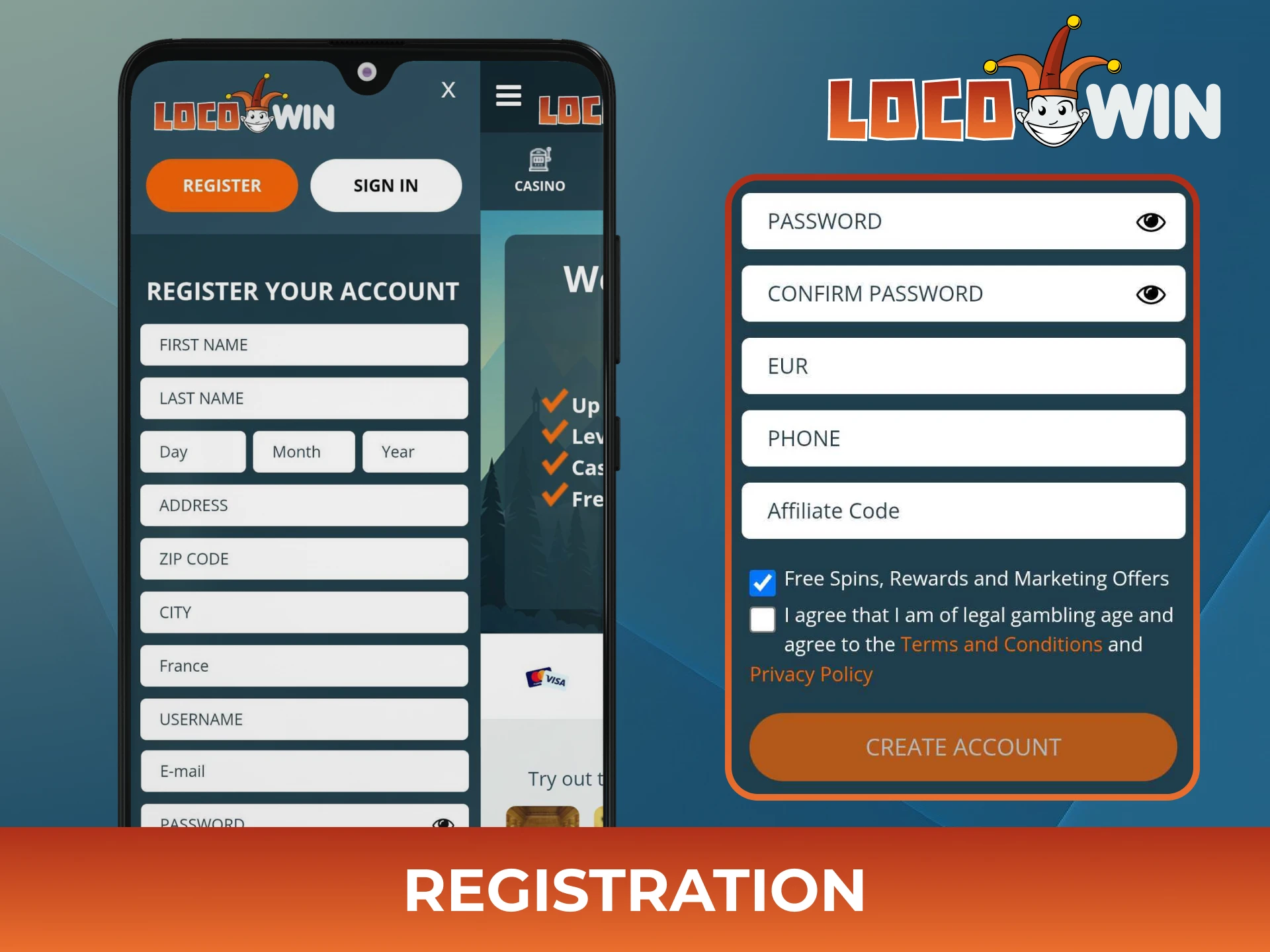
Creating a Locowin account through the mobile app is straightforward and takes only a few minutes. Follow the steps below to complete your registration and start playing.
- Open the Locowin PWA on your device and tap the “Register” button on the home screen.
- Enter your personal details including your full name, date of birth, and email address.
- Choose a username and a secure password for your account.
- Provide your residential address and select your country.
- Confirm your registration by verifying your email address through the confirmation link sent to your inbox.
Once verified, your account is active and ready to use. You can proceed directly to making your first deposit and claiming the welcome bonus.
Bonuses for Mobile Players
Locowin mobile players have access to the same full bonus program available on the desktop platform. New players can take advantage of a generous welcome package that covers both casino and sportsbook activity. Bonuses are credited automatically after qualifying deposits, so there is no need to enter codes manually. Locowin also runs ongoing promotions that reward regular players with reload offers and free spins. All bonuses are subject to terms and conditions, and you should review them before depositing.
Welcome Bonus
Locowin offers new players a casino welcome package of up to 1,850 EUR plus 500 Free Spins, spread across the first deposits.
| Detail | Information |
|---|---|
| Type | Deposit match bonus + Free Spins |
| Amount | Up to 1,850 EUR + 500 Free Spins |
| Terms and Conditions | Wagering requirements apply; check the promotions page for full details |
| Validity Period | Must be used within the timeframe specified in the terms |
| Eligible Games | Casino slots and selected table games |
Deposit Bonus
Locowin may offer additional deposit bonuses to both new and returning players as part of ongoing promotional campaigns.
| Bonus Stage | Match Bonus | Free Spins Tier (based on deposit) |
| 1st Deposit | 100% | €/$20–50: 35 FS |
| 2nd Deposit | 85% | €/$51–100: 70 FS |
| 3rd Deposit | 75% | > €/$100: 100 FS |
| 4th Deposit | 50% | |
| 5th Deposit | 100% |
Free Bet
Sports bettors may be eligible for free bet offers on qualifying deposits or specific sporting events.
| Feature | Details |
| Offer Type | Refunded stake as a Free Bet (if your first bet loses) |
| Max Value | Up to €/$100 |
| Min. Deposit | €/$10 |
| Min. Odds | 1.50 |
| How to Claim | Place your first qualifying bet; if it loses, you receive your stake back |
How to Update Locowin App to the Latest Version?
Because Locowin operates as a PWA, updates happen automatically every time you open the app. There is no need to visit an app store or download a new file. On Android, simply open your browser and navigate to the Locowin PWA shortcut on your home screen. On iOS, open the app through Safari and the latest version loads instantly. If you notice any outdated content or display issues, clearing your browser cache and reloading the page will resolve it. The PWA format ensures you always have access to the most current version without any manual action.
How to Delete Locowin App?
Since Locowin is a PWA, removing it is as simple as deleting any home screen shortcut. On Android, press and hold the Locowin icon on your home screen and drag it to the “Remove” option, or select “Uninstall” if prompted. On iOS, press and hold the icon until it wobbles, tap the minus icon, and confirm deletion.
Locowin App Features
The Locowin app covers a broad range of features across casino, sports, payments, and account management. The PWA format ensures fast loading times without sacrificing functionality. You get access to hundreds of casino games, live betting markets, and multiple payment methods all from a single platform. Account management tools are built directly into the app, so depositing, withdrawing, and updating your details can be done without switching to a desktop. Notifications keep you informed about promotions and account activity. Security measures protect every transaction and login session.

Live Betting Features
The live betting section on the Locowin app is available around the clock across a wide range of sports. Odds update continuously and reflect changes in the match in close to real time, giving you accurate information for in-play decisions. Supported sports include football, basketball, tennis, ice hockey, and more. The interface displays live odds clearly alongside match scores and statistics, making it easy to track events while betting. Markets update fast enough to allow responsive wagering without significant delay. Live streaming availability varies by event, so check individual matches for stream access. The layout keeps all key information visible without requiring excessive scrolling.

Casino Games Features
The Locowin casino section includes a large library of slots, table games, and live dealer options. Games load quickly through the PWA, with no perceptible lag on supported devices. Providers include Pragmatic Play, NetEnt, Evolution, Play’n GO, and others, ensuring a diverse selection of titles. Popular games like Book of Dead, Gates of Olympus, and Gonzo’s Quest are accessible from the mobile lobby. The live casino section is fully integrated and streams dealer games in high quality directly to your screen. Game categories are clearly labeled, so you can filter by type, provider, or popularity. New titles are added regularly to keep the library current.

User Profile Features
The user profile section in the Locowin app gives you full control over your account without needing desktop access. Your current balance is displayed clearly at the top of the screen at all times. Transaction history is accessible from the account menu and shows both deposits and withdrawals with dates and amounts. You can update personal details including your contact information and preferred language directly from the profile section. Responsible gambling tools such as deposit limits and self-exclusion options are also available within your account settings. Account security settings, including password changes, are managed from the same section. All changes take effect immediately after confirmation.

Notification Features
Locowin app notifications keep you informed about promotions, account updates, and betting results. Push notifications can be enabled during the PWA installation process or adjusted later through your device settings. Notification types include bonus alerts, deposit confirmations, withdrawal updates, and promotional offers. You can customize which notifications you receive by managing your preferences in the account settings. Notifications are delivered reliably as long as your device has an active internet connection. The system avoids excessive alerts, sending only relevant updates to keep the experience practical. Turning off specific notification categories does not affect core app functionality.
Deposit Features
Depositing on the Locowin app is fast and covered by multiple payment options. Transactions are processed securely and funds typically appear in your account immediately after confirmation.
| Detail | Information |
|---|---|
| Available Payment Methods | Visa, Mastercard, Trustly, Skrill, Neteller, Bank Transfer |
| Minimum Deposit | 10 EUR |
| Maximum Deposit | Varies by payment method |
| Transaction Security | SSL encryption on all transactions |
| Processing Time | Instant for most methods |
All deposit methods available on desktop are accessible through the app without restriction.
Withdrawal Features
Withdrawals are processed through the same methods available for deposits, subject to verification requirements. Processing times vary by method but Locowin aims to handle requests promptly.
| Detail | Information |
|---|---|
| Available Withdrawal Methods | Visa, Mastercard, Trustly, Skrill, Neteller, Bank Transfer |
| Minimum Withdrawal | 20 EUR |
| Maximum Withdrawal | Varies by payment method |
| Transaction Security | SSL encryption on all withdrawals |
| Processing Time | Up to 3 business days depending on method |
Account verification must be completed before your first withdrawal can be processed.
Locowin App Security Protocols
| Category | Protection Measures |
| Data Privacy | 128-bit SSL encryption for all transfers; full GDPR compliance. |
| Payment Security | Verified processors compliant with PCI DSS; banking details are never stored unprotected. |
| Account Access | Supports Two-Factor Authentication (2FA) via app or SMS for added security. |
| Regulatory Standing | Licensed by the Malta Gaming Authority, ensuring adherence to strict data protection standards. |
Key Security Recommendations:
- Enable 2FA: This is the most effective way to prevent unauthorized access to your account.
- Use Strong Credentials: Create a complex, unique password specifically for this platform to ensure maximum security.
App Device Permissions
As a PWA, Locowin requests only the permissions necessary for the app to function correctly on your device. Notification access is requested so you can receive alerts about promotions, account activity, and betting outcomes. Storage access may be requested to cache app data locally, which helps the platform load faster on subsequent visits. Location permissions may be requested to verify that you are accessing the app from a supported region, in compliance with licensing requirements. Camera access is not required for standard use but may be needed if you choose to submit identity documents through a photo upload during the account verification process. Microphone access is not requested by the app under any circumstances. All permission requests can be managed through your device’s settings at any time, and declining optional permissions does not prevent you from using core features. Locowin does not use device permissions for advertising purposes or share permission-based data with third parties outside of regulatory requirements.
FAQ
Is the Locowin app legal?
Locowin operates under a licence from the Malta Gaming Authority and is available to players in many countries. The platform complies with applicable gambling regulations for its licensed markets.
Is the Locowin app free to download?
Yes, installing the Locowin PWA costs nothing. You can add it to your home screen from this page at no charge.
Can I use the same account on both mobile and desktop?
Yes, your Locowin account works across all devices. Your balance, history, and bonuses are all accessible on mobile and desktop without any separate registration.
How long does it take for a withdrawal to be processed?
Withdrawal processing times depend on the payment method used. Most e-wallet withdrawals are completed within 24 hours, and bank transfers may take up to 3 business days.
Do I need to verify my account before withdrawing?
Yes, identity verification is required before your first withdrawal. You will need to submit a copy of a valid ID and proof of address through the account section.
Are all casino games available on the mobile app?
The vast majority of games in the Locowin casino library are available on mobile. A small number of older titles may not be optimized for mobile screens, but the full core library including slots and live dealer games is accessible.
Can I claim the welcome bonus through the mobile app?
Yes, the welcome bonus of up to 1,850 EUR plus 500 Free Spins is available to new players regardless of the device they use to register and deposit.
What should I do if the app is not loading correctly?
Clear your browser cache, check your internet connection, and reload the page. If the issue persists, contact Locowin customer support via live chat for assistance.
Updated: